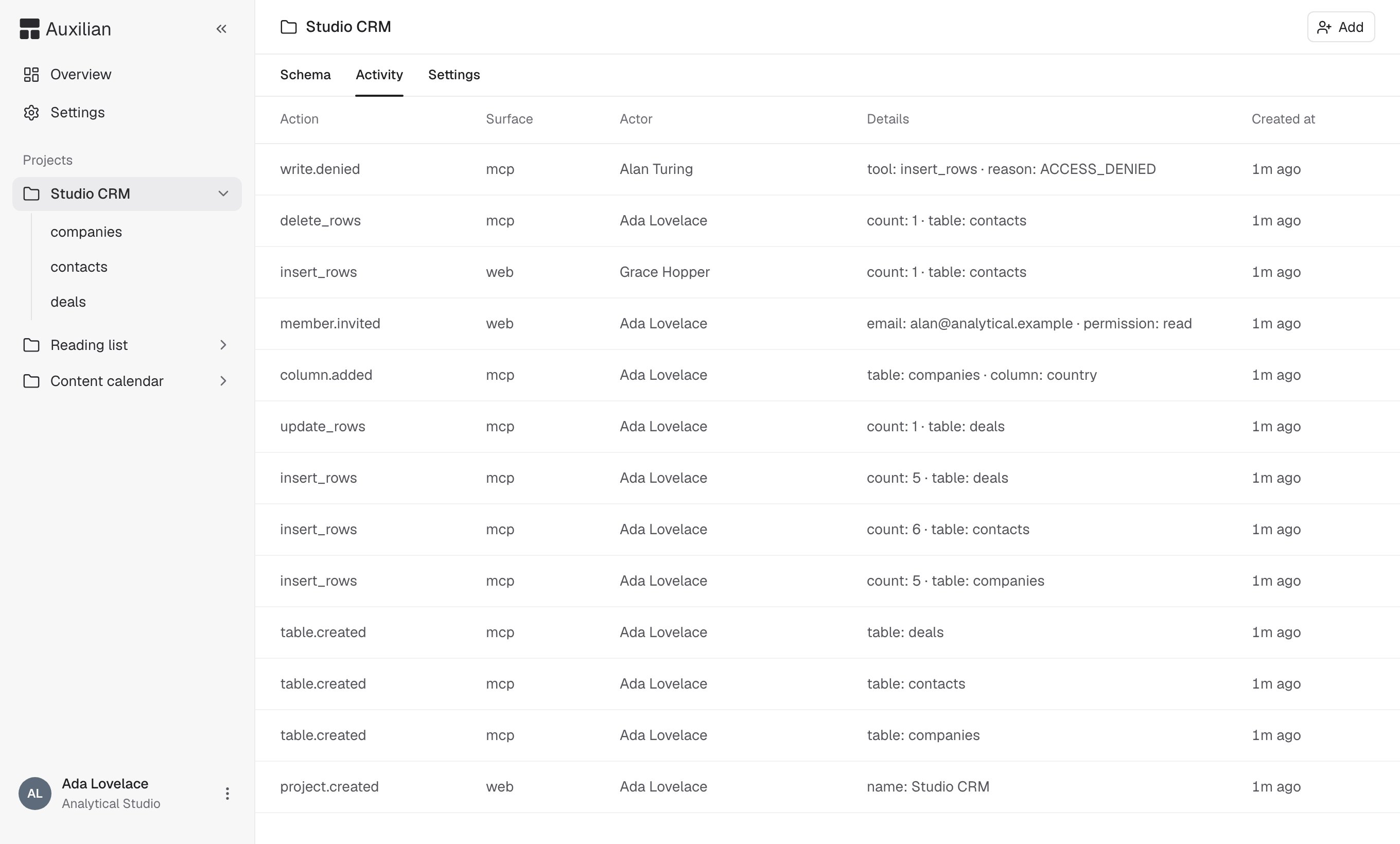
Every project keeps an activity log. Open a project and select the Activity tab to see it. Anyone who can open the project can view its activity.

What the log shows

The Activity tab listing events such as write.denied, delete_rows, insert_rows, member.invited, and table.created with surface, actor, and details columns

Changes from the web app and from AI assistants, side by side.

The tab lists the 100 most recent events, newest first. Each event has: An AI assistant always acts as a person, so the actor is the person who approved the connection and the surface is mcp.

Recorded actions

Row events record the table and the number of rows, not the values. See Activity events for more detail.

Show one kind of event

Add ?action= and an action name to the activity URL to list only that action. For example, to see only refused writes:

Retention

Events older than 90 days are deleted automatically. Deleting a project deletes its activity log.