

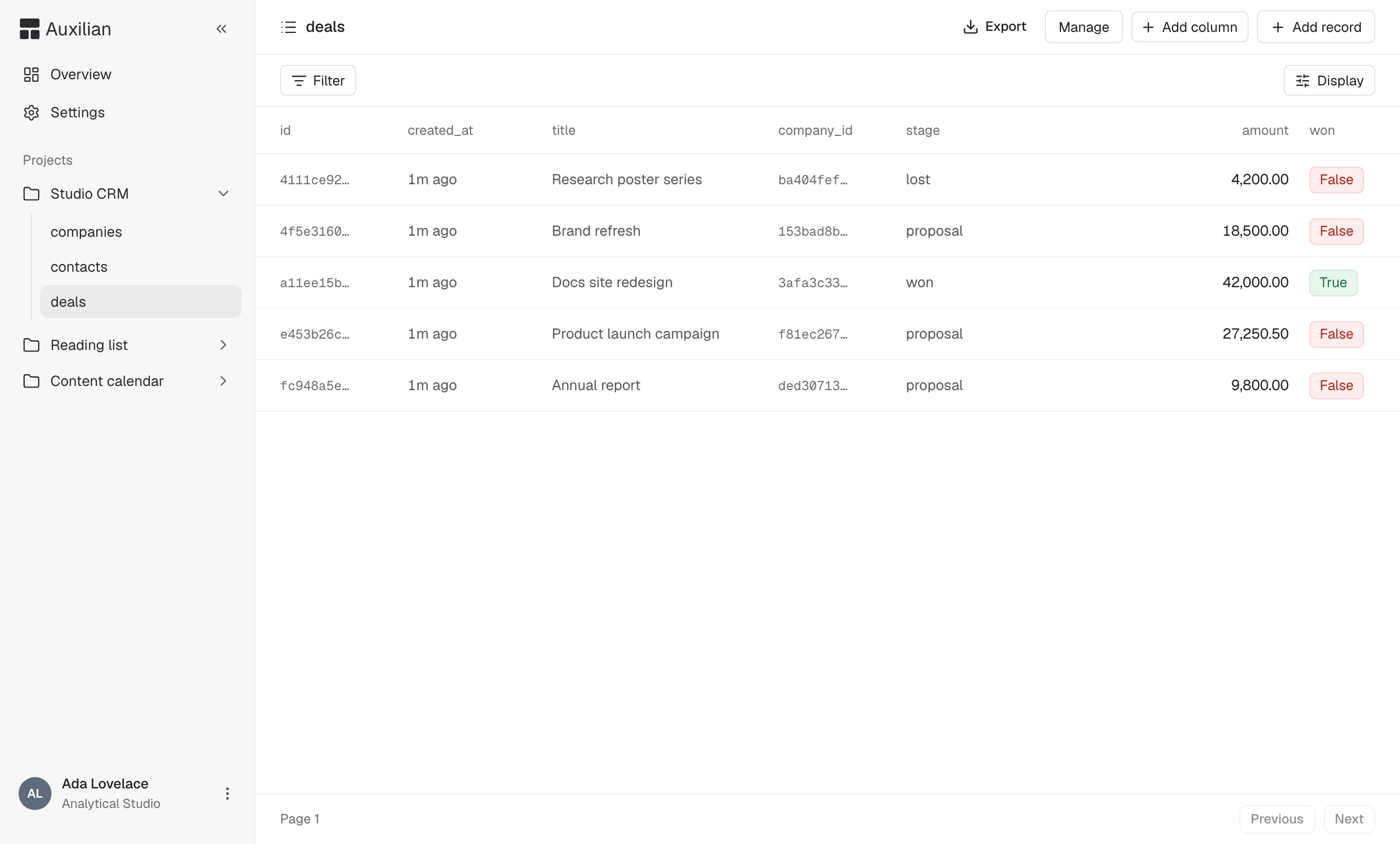
A table with its toolbar: Export, Manage, Add column, and Add record.
Browse rows
- Use Previous and Next at the bottom to page through rows.
- Relative times such as
6h agoappear fortimestamptzvalues. booleanvalues appear as True and False pills.
Filter
Select Filter in the toolbar, then Add filter for each condition, and select Apply. Clear all removes every condition. The operators depend on the column type: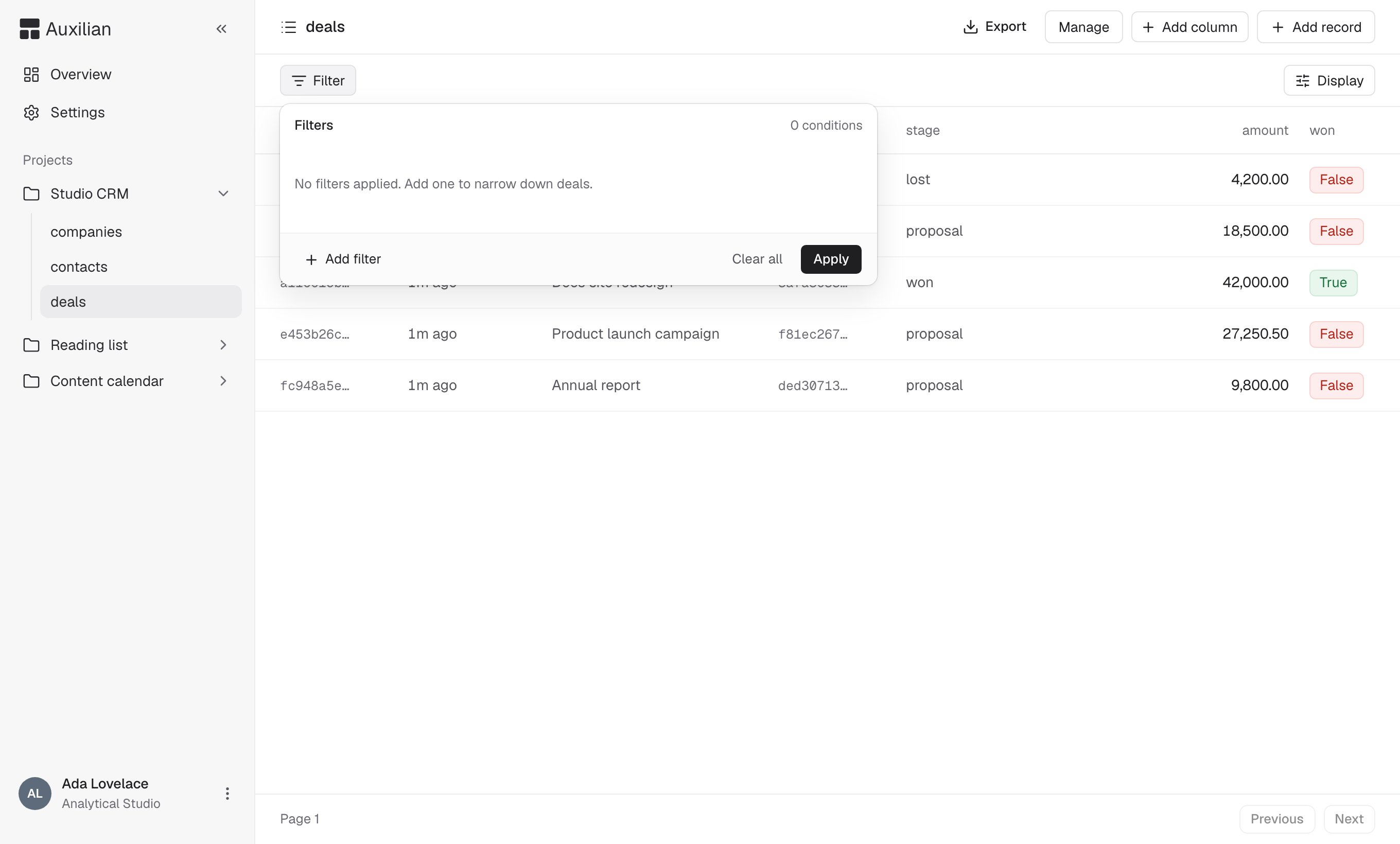
The Filter popover.
Filters in the web app apply to the rows on the current page. To search a whole table, ask Claude, which filters on the server with
list_rows. See Filters.Display options
Select Display in the toolbar to:- Sort by any column, ascending or descending
- Change row density to Compact, Default, or Comfortable
- Show or hide columns
Add a row
You need write access to add, edit, or delete rows. Readers see the table without these controls.
1
Open the form
Select Add record in the header.
2
Fill in values
Enter a value for each column you want to set. Fields marked with an asterisk are required.
id and created_at are generated automatically. Leave a field blank to use the column’s default, or NULL if it has none.3
Save
Select Create record. The row appears in the table. Check Create another to keep the form open for the next row.
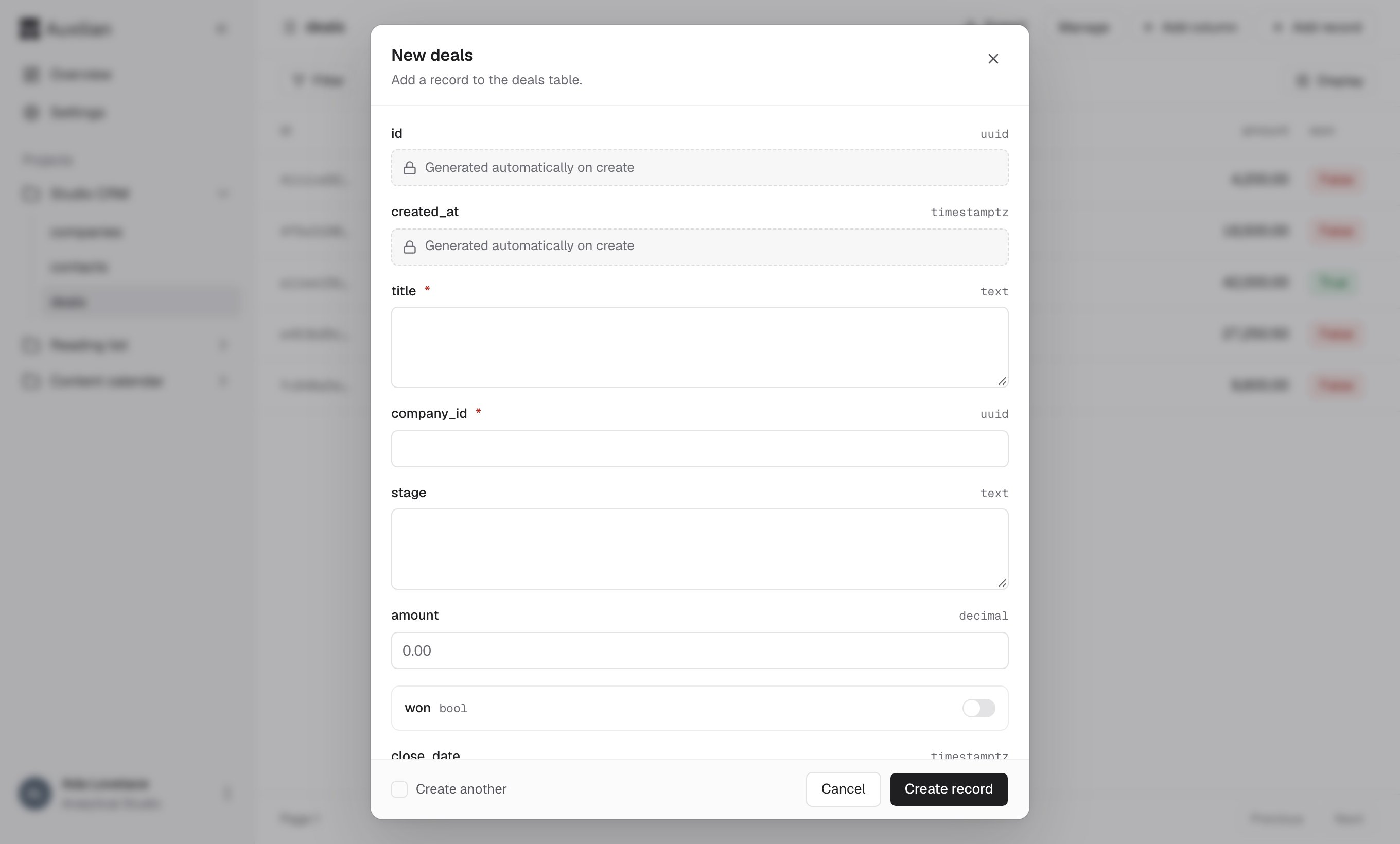
The add record form. Required fields are marked with an asterisk.
jsonb values as valid JSON, such as {"priority": "high"} or ["a", "b"].
Edit a row
1
Select the row
Select a row in the table. A bar appears at the bottom with the row’s id.
2
Edit
Select Edit, change the values, and select Save.
NULL. Clearing a required field fails with an error like Column "title" is required. You can’t edit id or created_at.
Delete a row
Select the row, then select Delete in the bottom bar and confirm. Deleting a row cannot be undone. If another table has a foreign key that points at the row, the outcome depends on that foreign key’s rule. With the default rule,restrict, the delete is refused. See Foreign keys.
Size limits
- A single value can be at most 16 KB.
- A whole row can be at most 64 KB.
- A project can store up to 50 MB in total. When it is full, inserts and edits are refused. See How storage is measured.